Posted on July 15, 2026 at 11:54 AM by Claire Marks
Know Your Well: Finding Your Well in the Lost Pines GCD Database
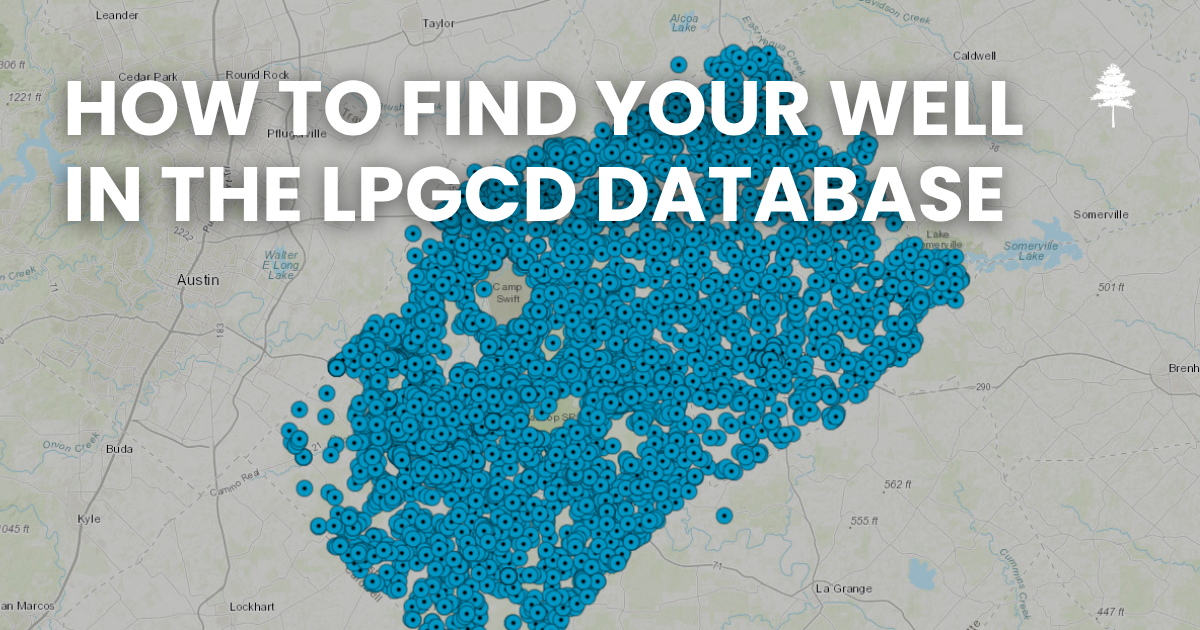
Visit our website at www.lostpineswater.org and click the Well Database button. This will open the District's Well Database. A legal acknowledgement will appear. Click Accept to continue.
On the left side of the screen, click the magnifying glass labeled Find. In the search box, enter your Well ID number and click Search.
If you do not know your Well ID number, you can also search by your well's address. Click the magnifying glass, enter the address, and select Search.
Once your well is located, a dot or triangle will appear on the map. Click the symbol to view information about your well, including registration details and other available records.